Controlled intake
Data-bearing devices are identified, received, and handled through a defined process from pickup through processing.
Secure data destruction
Tech Reboot helps organizations handle laptops, Chromebooks, drives, tablets, desktops, servers, and other data-bearing assets with secure workflows, tracking, and reporting.
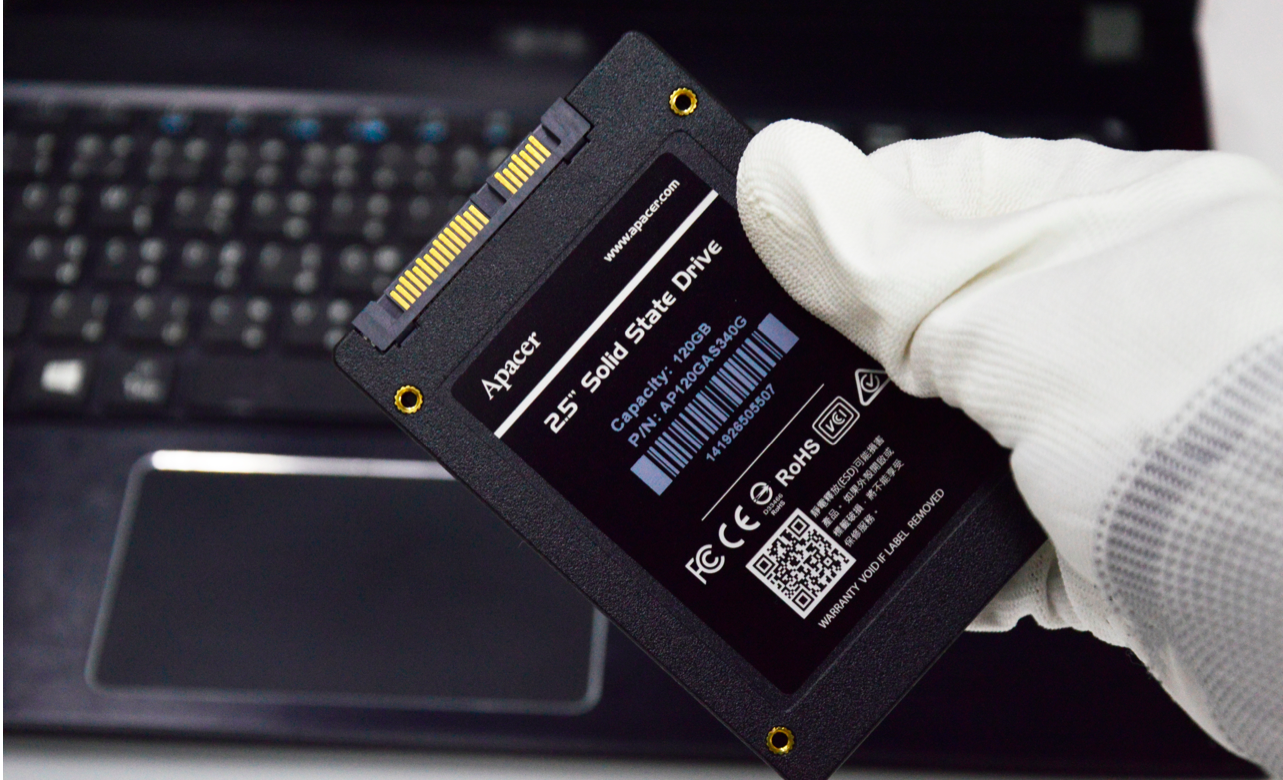
What matters most
Data-bearing devices are identified, received, and handled through a defined process from pickup through processing.
Serialized reporting and inventory workflows help connect devices, quantities, and disposition outcomes.
Your team receives records that support internal accountability, audit conversations, and technology retirement files.
Designed to reduce anxiety
Pickup and handoff records help establish when equipment was transferred and what was included.
Data-bearing devices are routed through workflows designed to reduce exposure and preserve accountability.
Devices may be processed for reuse, resale, recycling, or destruction depending on condition, risk, and project needs.
Documentation helps your team explain what happened after pickup and keep clean records for internal stakeholders.
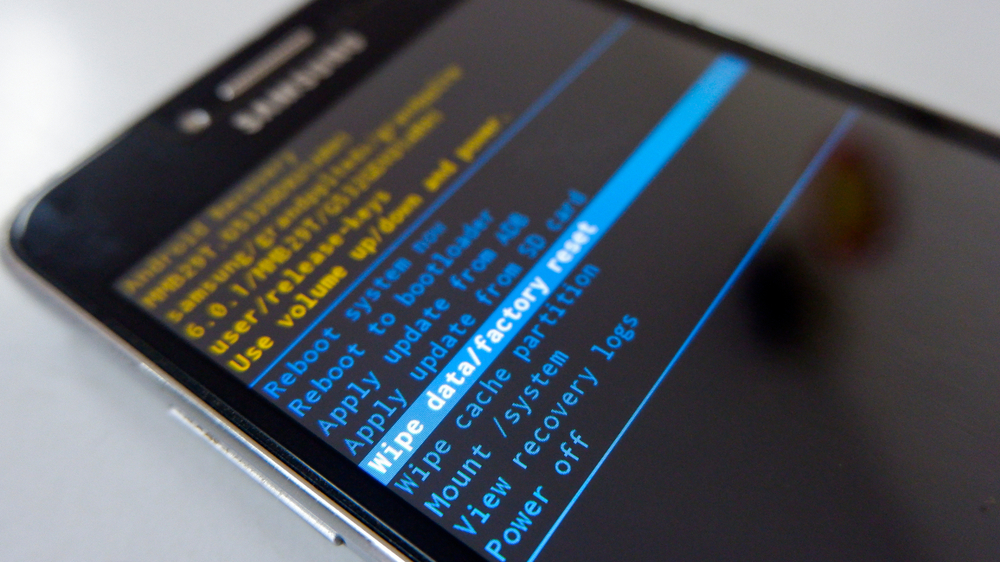
Device categories
Common use cases
Security-minded retirement
“The right process gives your team more than removed devices. It gives you a record of what happened next.”
Start here
Tell us what devices you have, how many assets are involved, and whether your team needs buyback, recycling, destruction, or documentation support.